
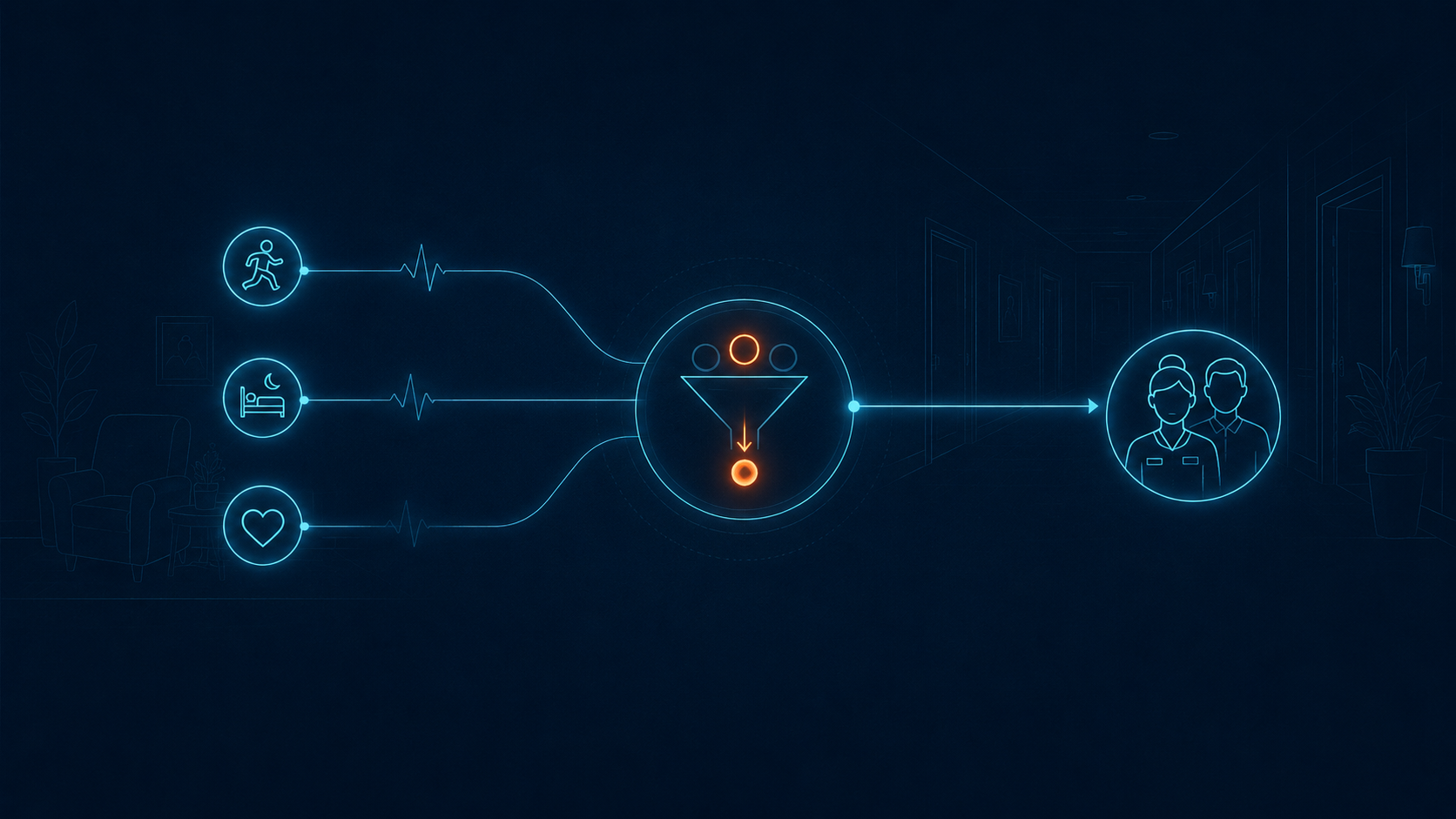
Alert fatigue becomes a business problem when staff spend time sorting signals instead of completing the response. Unclear, repeated, or low-value notifications add friction to daily operations, make ownership harder to track, increase pressure on staff, and can leave residents waiting for help.
Evidence from four nursing homes shows the operational stakes. Across 201 call-light events in four facilities, staff exceeded the administration's response-time expectation in 50% of cases. Ten percent of calls were cancelled without immediate assistance during periods of high workload, and staff failed to return in more than 3% of cases. The study linked longer response times to limited feedback, weak prioritization, and hard-to-distinguish signals.
Adding more alerts does not correct that problem. If resident calls, fall-related notifications, door events, location events, and environmental signals create separate queues, staff must determine what matters, who owns it, and what happens next while other work continues.
Reducing alert fatigue starts with the path from signal to action. Inventory each source, set priorities, add resident and location context, assign ownership, define acknowledgement and escalation, and review outcomes. The goal is a workflow where important events are clear, actionable, and routed through a defined response process.
What alert fatigue looks like in a senior living operation
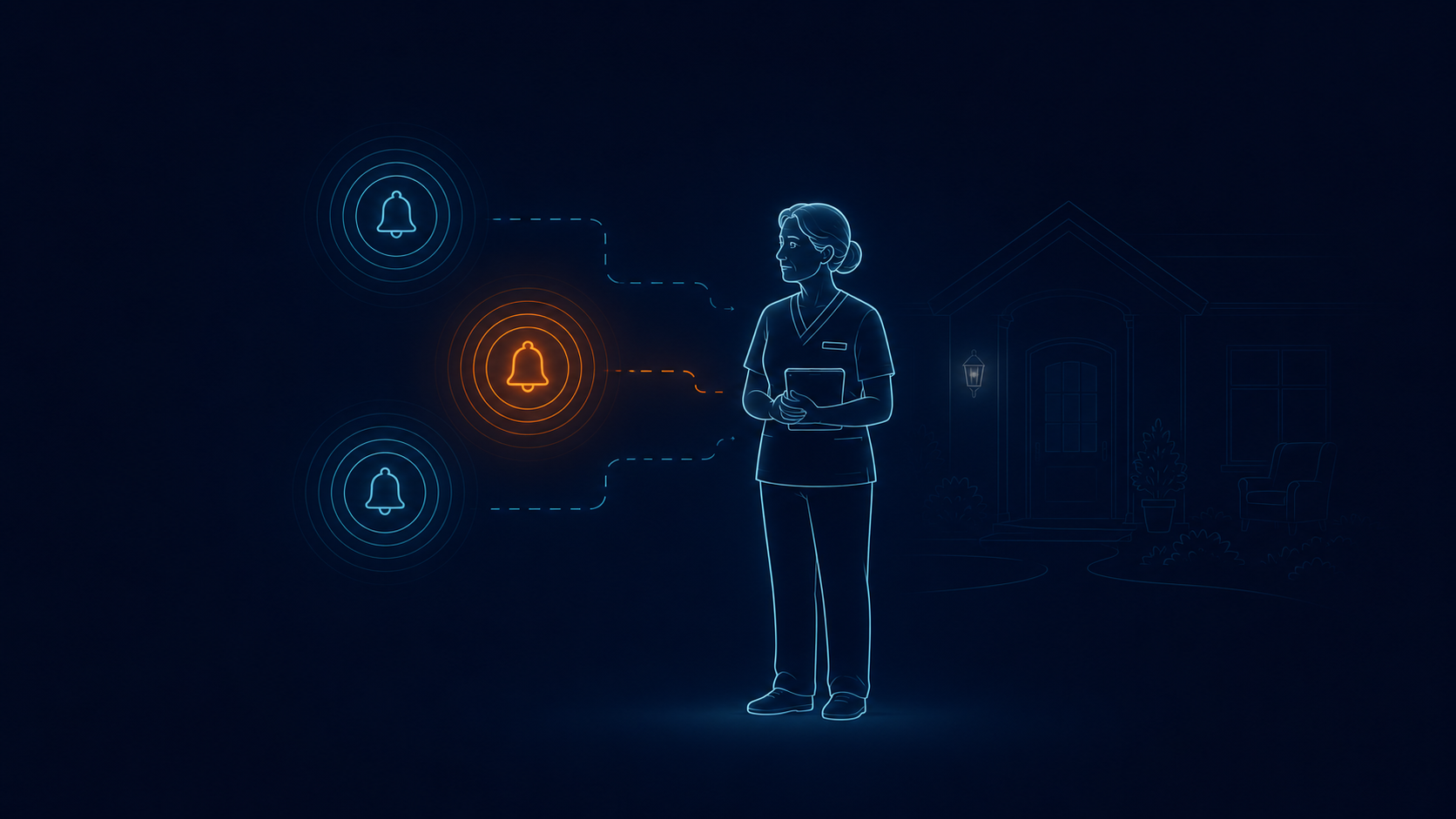
Alert fatigue is the loss of attention or responsiveness that can develop when people receive repeated alerts, especially when many are unnecessary, unclear, duplicated, or unrelated to the recipient's role.
The Agency for Healthcare Research and Quality defines it as desensitization that can lead busy workers to ignore or respond inappropriately to warnings. "Alarm fatigue" often refers more narrowly to device-generated clinical alarms. In senior living, "alert fatigue" is usually the more useful term because the burden may include nurse calls, mobile notifications, door alarms, fall alerts, environmental events, and software messages.
A bedside monitor alarm in an intensive care unit and a door event in memory care carry different risks and require different response policies. Evidence from one setting cannot be applied directly to the other.
Direct senior living research is limited. Hospital studies help explain how repeated nonactionable alarms affect attention, but hospital alarm rates are not senior living benchmarks. A systematic review of fall-related alerting devices in long-term care identified caregiver alarm fatigue, intrusive signals, and implementation challenges.
According to Use of Notification and Communication Technology in Nursing Homes, researchers reviewed 201 calls during 240 hours of observation across four nursing homes. The study found:
· Expected response times were exceeded for 50% of observed calls.
· Ten percent of calls were cancelled without immediate assistance during periods of high workload.
· Staff failed to return in more than 3% of cases.
· Limited feedback, weak prioritization, and hard-to-distinguish signals contributed to longer response.
Based on the call-bell in residential care homes, interviews and group discussions with 44 residents, family members, and staff identified:
· Inconsistent understanding of how the call bell worked.
· Varied response times.
· Limited feedback after a call was placed.
· Pressure on staff managing the response.
The pattern is operational: delivery alone is not enough. Response also depends on workload, clear ownership, signal design, and feedback.
Why more notifications can make response less reliable
.png)
Each notification asks a person to stop, interpret, and decide. When the message lacks context, the recipient must answer several questions before acting:
· Which resident is involved?
· Where did the event occur?
· Is this new, repeated, or already being handled?
· Does it require immediate action?
· Am I the right person to respond?
· What happens if I cannot take it?
That interpretation takes time. Broadcasting the same event to several people may increase visibility, but it can also make ownership ambiguous. Repeating an unacknowledged message without a defined escalation path may add noise without solving the original problem.
Hospital research shows a related attention problem:
· A systematic review linked higher alarm exposure with longer nurse response time in two hospital studies. Evidence for alarm-reduction interventions remained limited.
· A children's hospital study observed 36 nurses over 210 hours and found that response time increased after greater exposure to nonactionable alarms.
These findings are not senior living benchmarks. They show that repeated nonactionable signals can compete for staff attention. The operational goal is therefore to improve alert relevance, context, and routing, not simply reduce the total count.
Five steps to build a more reliable alert response workflow
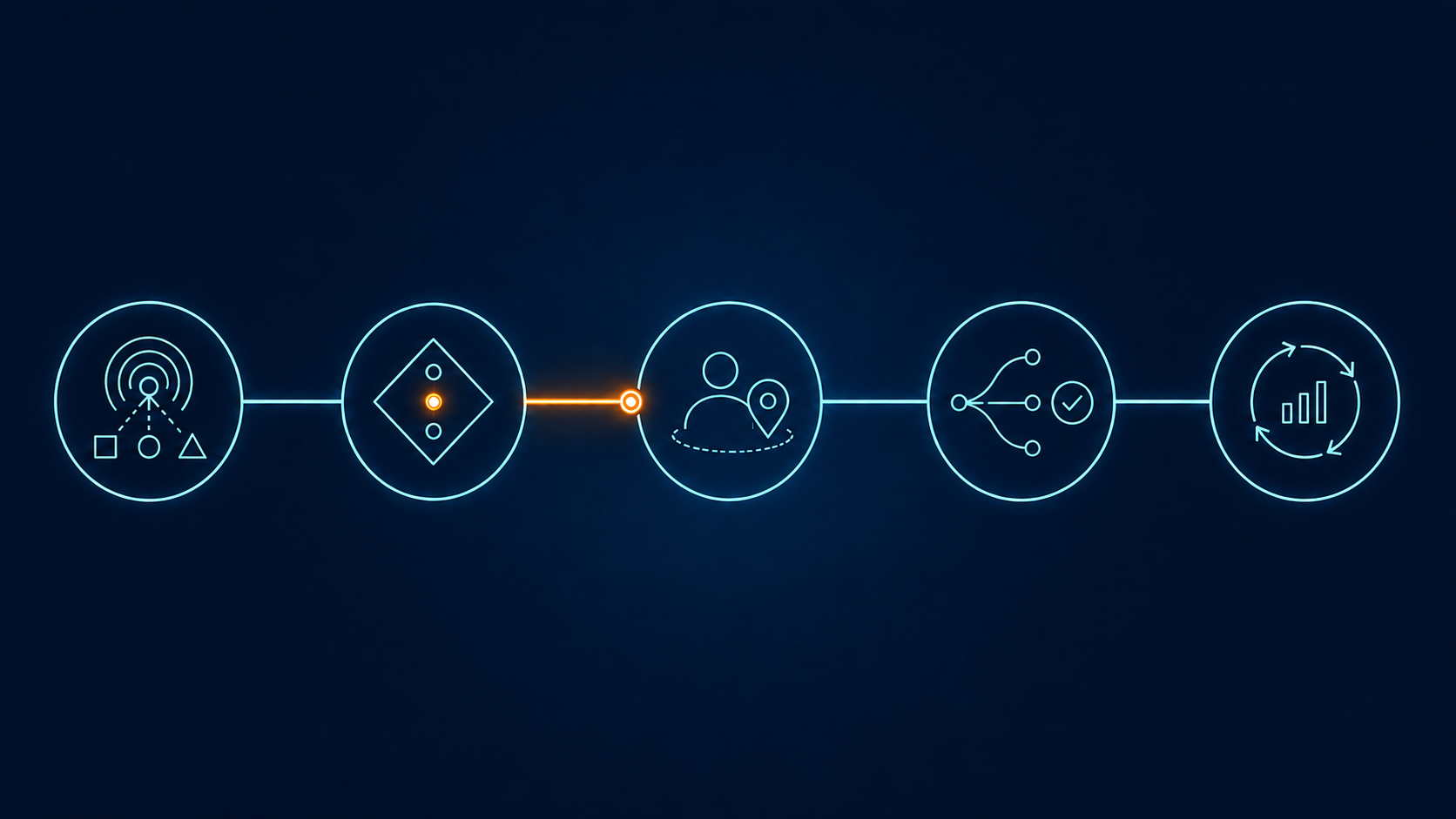
Step 1: Inventory every alert source and intended action
Begin with the real environment, not the vendor diagram. Walk through each building, shift, and care setting. List every system that can generate an audible, visual, desktop, or mobile signal.
Create one alert inventory with these fields:
· Source and trigger
· Required action and priority
· First responsible role
· Delivery channel
· Acknowledgement and escalation rules
· Outcome record
· Rule owner
Include resident-initiated calls and automated events. Also include infrastructure and system-health messages if they interrupt care teams. A device-offline warning, a low-battery message, and a resident safety event may all be important, but they should not necessarily reach the same role in the same way.
Do not stop at the configuration screen. Shadow the workflow. Ask staff what they do when two alerts arrive together, when the assigned person is busy, when a resident presses again, or when an event continues after acknowledgement. The gap between policy and actual practice is often where the noise comes from.
Flag any alert with no clear action, owner, or escalation path. Review it with operations and safety leaders before changing or removing it.
Step 2: Separate urgent, important, and informational events
Priority should describe the required response, not the device that produced the signal. A source name alone rarely provides enough information.
Use three operational categories as a starting point:
· Urgent: interruption is justified because delay may create immediate resident risk or miss a time-sensitive response window.
· Important: a person needs to act or follow up within a defined period, but the event does not justify the same interruption pattern as an urgent event.
· Informational: the event should be logged, trended, or reviewed, but it does not require an immediate staff interruption.
Then test each category against local policy and real scenarios. Ask:
1. What could happen if this event waits?
2. Is there a specific action the recipient can take now?
3. How confident is the system about what occurred?
4. Does resident, location, time, or repeated activity change the priority?
5. Which role has the authority and ability to respond?
Avoid treating every fall-related, wander-related, or resident-initiated event as one fixed priority without considering the event definition and approved policy. The same event type may require a different workflow based on resident needs, location, time, or confirmation status.
This is also where terminology needs discipline:
· A false alert reports something that did not occur.
· A duplicate repeats an event already represented in the workflow.
· A nonactionable alert may be technically correct but require no action from that recipient at that time.
· An informational event is intentionally retained for awareness or review without immediate interruption..
Step 3: Add resident, location, time, and event context
Useful alerts should reduce uncertainty. At minimum, the event should tell the recipient:
· who is involved;
· where the event occurred;
· what happened and which source reported it;
· when it began and whether it is still active;
· why it received its priority;
· what action is expected;
· whether someone has already accepted or handled it.
The exact fields will vary by event type and implementation. The principle does not: context should support a decision, not add decoration.
Consider a message that says only "Door alarm." The recipient still needs to find the door, identify the resident context, decide whether the event is expected, and determine who should respond. A clearer event record can show the location, timestamp, event type, relevant resident context when available, current owner, and next step.
Context also helps teams avoid treating repeated notifications as separate incidents. If a resident presses a call button again while the first request is active, staff should be able to see whether this is a continuation, an escalation, or a new event. The correct behavior depends on the system and local policy, so this logic must be confirmed during implementation rather than assumed.
Step 4: Assign routing, ownership, acknowledgement, and escalation
An alert has not reached the right person merely because it appeared on several phones. Delivery and ownership are different states.
For each priority and event type, define:
· the first responsible role;
· the routing rule by building, unit, location, shift, or another approved factor;
· the backup owner if the first recipient is unavailable;
· what counts as acknowledgement;
· the escalation trigger and next recipient;
· how responsibility transfers during reassignment;
· what closes the event;
· how downtime or connectivity failure is handled.
Acknowledgement should have a precise meaning. It may mean "I have seen and accepted this event." It does not necessarily mean that a staff member has reached the resident or completed the response. If a system uses several states, such as acknowledged, arrived, resolved, or cancelled, staff and reports should not treat them as synonyms.
Escalation needs the same clarity. A useful escalation rule changes ownership or brings in a defined backup. Repeating the same message to the same people may increase volume without changing the response path.
The Joint Commission's hospital alarm standard uses two core controls:
· Rank alarm signals using patient risk, staff input, incident history, and published guidance.
· Define who may change alarm parameters and how staff monitor and respond.
Senior living communities operate under different requirements, but the same governance principle applies: each alert needs a risk basis, an authorized rule owner, and a documented response path.
Step 5: Review outcomes and remove low-value patterns
The first configuration will not be the final one. Review alert behavior by source, priority, location, shift, and outcome. A single portfolio-wide average can hide the difference between a busy meal period, a night shift, a failing device, and a poorly assigned workflow.
Track measures that reveal how the system behaves:
· event count by source and assigned priority;
· repeated or duplicate notifications tied to the same event;
· acknowledgement, escalation, arrival, and resolution times by event category;
· events that were never acknowledged or closed;
· cancellations and the reason recorded;
· events marked false, nonactionable, or informational;
· rules that staff override or work around;
· recurring patterns by location, resident context, device, or shift.
Use locally approved targets for response categories. There is no responsible universal acknowledgement target for every senior living event, because urgency, staffing model, building layout, and response policy differ.
Review individual events with frontline staff alongside the dashboard data. Ask whether the priority made sense, whether the message contained enough context, whether it reached the right role, and whether escalation helped. Include resident and family feedback when a call-bell or wearable workflow affects how people ask for help.
The study Nursing staff's evaluation of facilitators and barriers during implementation of wireless nurse call systems in residential care facilities included 98 care providers across five facilities. It found:
· Thirty-seven percent reported limited prior knowledge and difficulty learning the new system.
· Training and hands-on practice helped address implementation barriers.
Any configuration change therefore needs staff training, practice, and a named operational owner.
Run a 30-day alert workflow audit
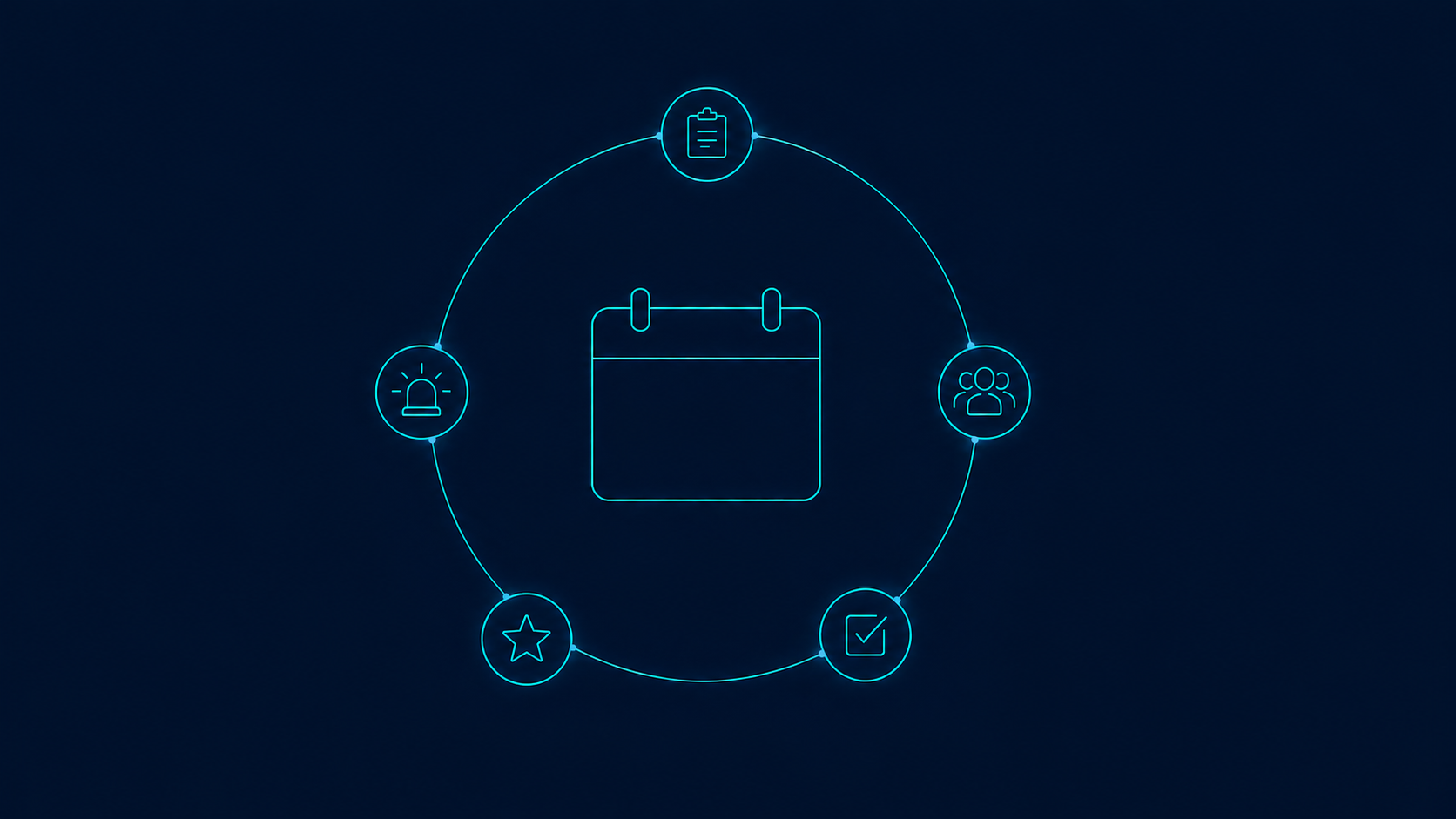
This audit is an operational framework, not a validated clinical protocol. Use it with your clinical, safety, compliance, and technology leaders.
Days 1 to 7: Map the current state
· Name one executive sponsor and one operational owner.
· Inventory every alert source, recipient, device, and delivery channel.
· Observe at least two shifts and one known peak period.
· Record the intended action, acknowledgement state, escalation path, and closing rule.
· Collect a baseline sample of events without changing live safety settings.
· Mark broken, unexplained, duplicate, and orphaned workflows for review.
Days 8 to 14: Classify and design
· Define urgent, important, and informational categories in operational terms.
· Separate false, duplicate, nonactionable, and informational events.
· Choose the minimum context required for each event type.
· Assign first owners and backups by role.
· Define acknowledgement, arrival, resolution, cancellation, and reassignment.
· Review proposed changes with frontline staff and the people responsible for risk and compliance.
Days 15 to 21: Pilot one workflow
· Select one event source or one unit with a measurable problem.
· Change one controlled workflow rather than the entire community.
· Train the affected team and document the fallback procedure.
· Monitor missed, delayed, escalated, and cancelled events.
· Keep a change log so results can be traced to specific configuration decisions.
Days 22 to 30: Review and decide
· Compare the pilot with its baseline and local targets.
· Review individual event histories alongside the summary metrics.
· Interview staff about context, ownership, and workarounds.
· Check for unintended consequences, including hidden risk or excessive escalation.
· Keep, revise, or reverse each change.
· Set a monthly review cadence and name the person who owns it.
After 30 days, expect a decision log rather than a headline percentage. It should show whether a source is poorly configured, alerts reach roles that cannot act, or an escalation rule creates repeated notifications. Use that evidence to prioritize the next change.
Questions to ask an alert orchestration vendor
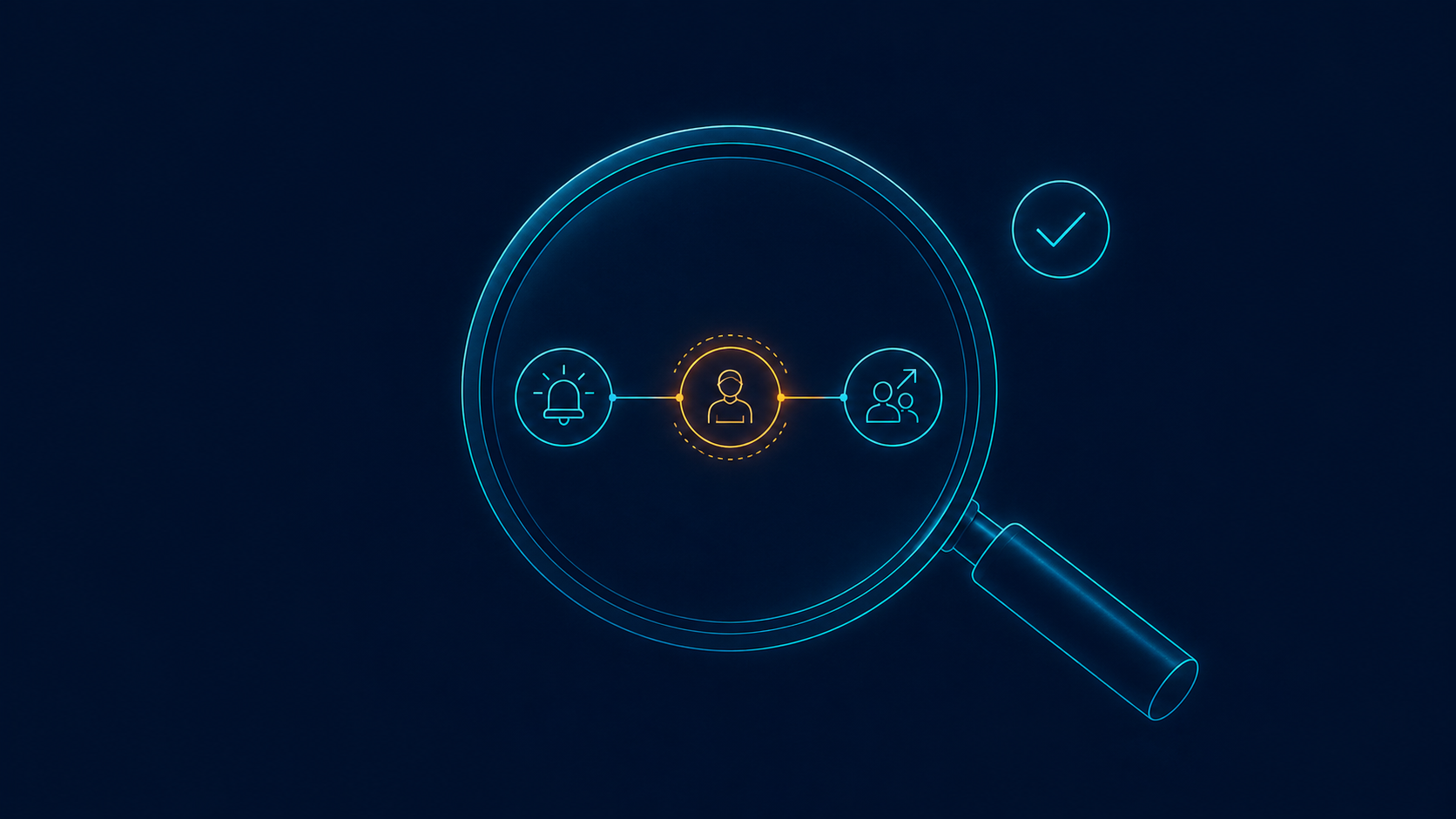
Use the demonstration to trace one event from its source to closure. Verify:
1. Which nurse-call, fall, wander, location, environmental, and infrastructure event sources are supported today, and which connections require partner or custom work?
2. How does the platform preserve the original source while distinguishing new, repeated, related, and duplicate events?
3. Which resident, location, time, or staffing context can change priority or routing, and who controls those rules?
4. How are delivered, acknowledged, accepted, arrived, resolved, and cancelled defined, and when does escalation begin?
5. What happens during a device, network, or integration failure?
6. Which reports show event history, rule changes, overrides, escalations, and outcomes?
7. How are workflow changes tested, staff trained, and customer results measured?
"Fewer alerts" is not a sufficient result. Ask which events were removed or rerouted, why, who approved the change, and how the team checks for missed risk.
Where unified response fits
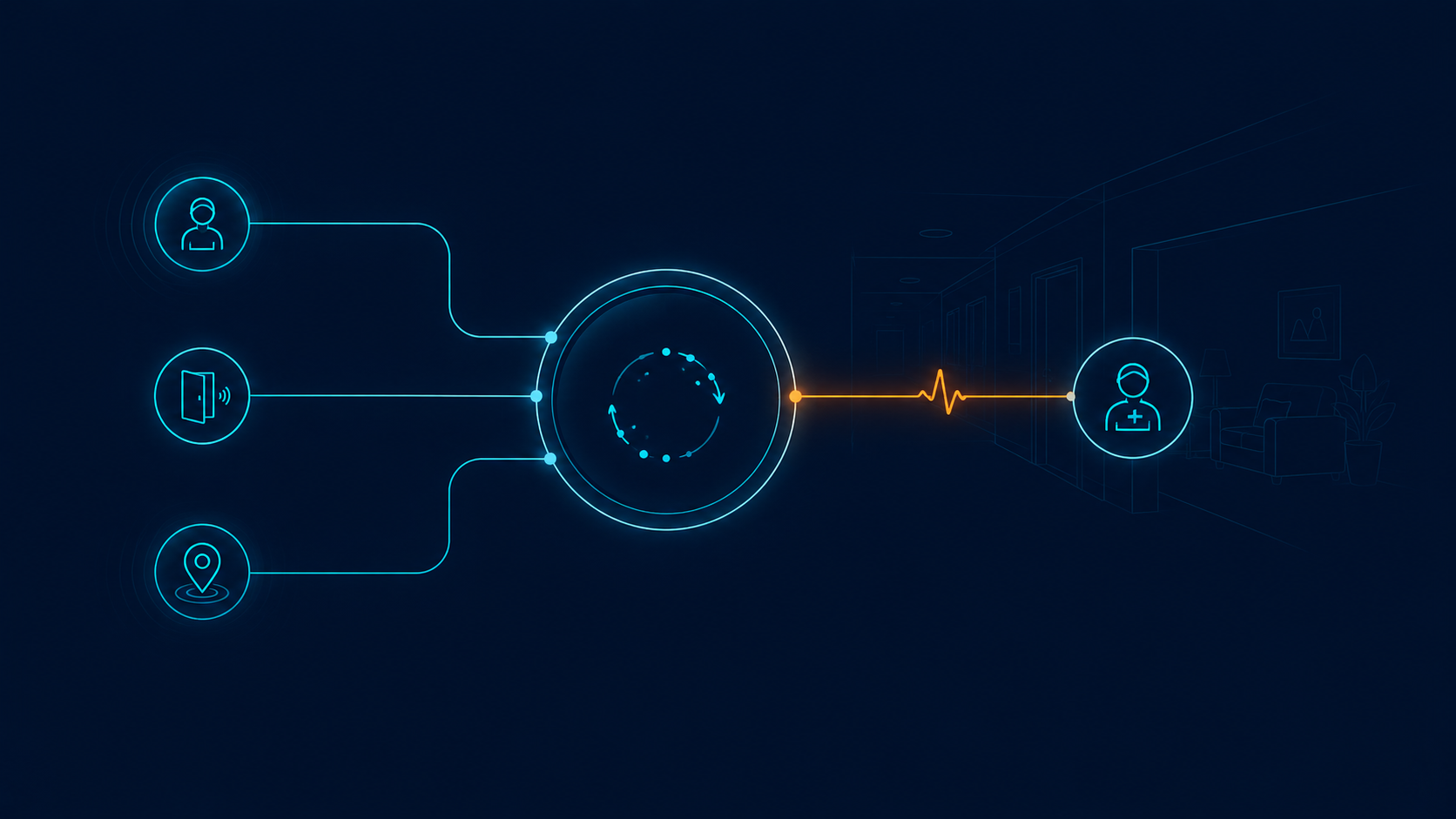
Orchestration can help when separate systems create separate queues, but it does not replace policy, staffing, training, or clinical judgment. It should make the response path easier to see and govern.
Rythmos is positioned as an orchestration platform rather than a nurse call replacement. Its current alert fatigue solution and unified response and alert orchestration pages describe a model in which supported resident-initiated calls and system-generated events can share context, priority, routing, acknowledgement, and escalation.
Exact sources, rules, and workflow behavior depend on the implementation and should be confirmed during technical discovery. Operators can use the audit above to compare that design with their current senior living operations, policies, and staffing model.
Request a walkthrough to explore how Rythmos could support a unified response workflow for your community.
FAQ
What is alert fatigue in senior living?
Alert fatigue is reduced attention or responsiveness after repeated notifications, especially when many are unclear, duplicated, low value, or sent to people who cannot act on them. In senior living, the burden may come from nurse call, fall, wander, location, access, environmental, and system notifications.
Is alert fatigue the same as alarm fatigue?
The terms overlap, but alarm fatigue often refers to clinical device alarms, particularly in hospitals. Alert fatigue is broader and can include mobile, visual, audible, and software notifications from several operational systems. Evidence from hospital alarm studies should be labelled as hospital evidence rather than treated as senior living performance data.
Should a community simply reduce the number of alerts?
No. Start by identifying the risk, required action, owner, context, and escalation path for each event. Remove, reroute, reclassify, or redesign a notification only after reviewing why it exists and what could happen if staff do not receive it.
Which metrics help evaluate an alert workflow?
Track event volume by source and priority, duplicates, acknowledgement and resolution states, escalations, cancellations, unclosed events, overrides, and the recorded outcome. Break the results down by event type, location, and shift. Avoid relying on one average response time across unlike events.
Can alert routing software solve alert fatigue by itself?
No. Technology can support prioritization, context, routing, acknowledgement, escalation, and reporting. The community still needs risk policies, clear ownership, staff training, maintenance, and regular review. Hospital alarm-management evidence supports the same combination of human, organizational, and technical controls.
Does alert orchestration replace a nurse call system?
Not in the Rythmos model. Nurse call is one possible input within a larger response workflow. The existing nurse-call system, connection method, event coverage, and responsibilities should be confirmed for each implementation.