
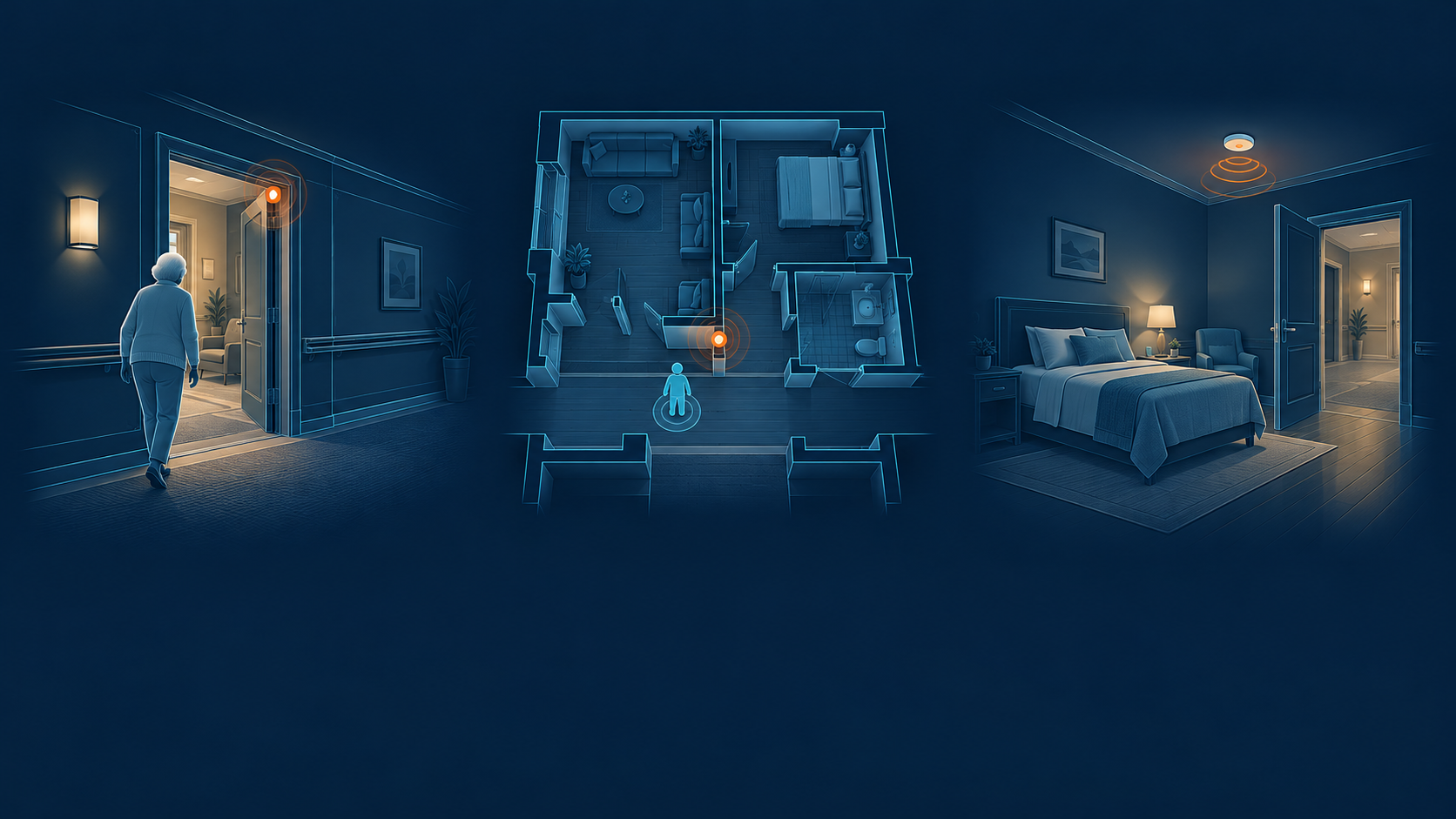
Choosing a wander management system starts with three practical questions: which areas need monitoring, what staff need to know when an alert arrives, and how someone will respond. The right choice depends on your residents, building and care routines. Compare systems against those needs before comparing features. Ask each supplier to demonstrate the same situations in your community, explain what is included in the quote, and show where coverage ends.
What a wander management system does
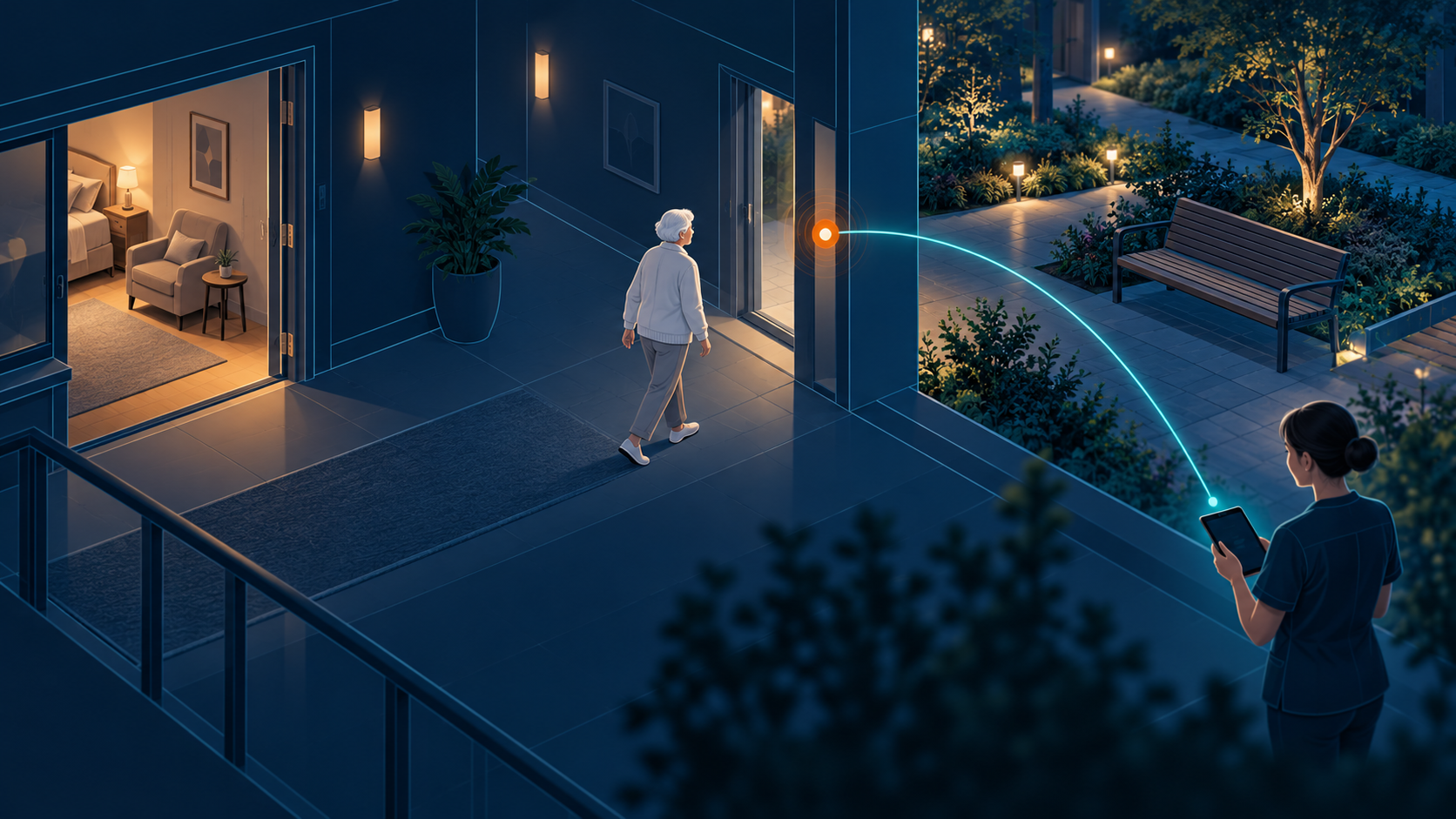
A wander management system helps staff to identify when a resident is approaching a monitored exit or entering an area where they may need assistance, and to respond accordingly. Depending on its design, it can incorporate resident wearables, door equipment, location information and staff notifications.
Suppliers may also call these solutions wander protection or elopement prevention systems. Compare how they detect an event and support a response. A wearable that automatically triggers an exit alert serves a different purpose from a button the resident must press to request help.
Resident safety also depends on care planning, supervision and an agreed response. The Alzheimer’s Association’s guidance on wandering describes several ways to reduce risk and prepare for an incident. Technology belongs within that wider plan.
Start with your residents and building
Bring your care lead and facilities team into the discussion early. Mark the areas you need to monitor on a floor plan: entrances, stairwells, elevators, shared spaces and any outdoor routes. Include connections between assisted living and memory care areas.
Then agree what staff need to know in each area. At one exit, the priority may be identifying a resident approaching the door. Elsewhere, staff may need to find someone after they have moved into a corridor or courtyard. These needs can require different equipment and coverage.
Consider everyday use too. How will a resident pass through with a caregiver? Who updates the system when their care plan changes? Can the same approach support another building later?
An assisted living community with a memory care wing should also review movement between those areas. Decide which routes remain open to which residents and how staff support accompanied trips. Ask whether settings can be assigned to individuals and updated as needs change, rather than applying one rule to everyone. Include access to activities and outdoor spaces in that discussion.
Understand which approach you are buying
A bed-exit alert alone does not show whether someone has left the building. Likewise, a virtual boundary does not establish how accurately a system locates someone. Ask for a demonstration in the areas that matter to your team.
Ask for a written list of the functions included in your proposal. Confirm whether resident location, maps, reporting and staff notifications are included or require additional hardware, software or subscriptions.
Check coverage beyond a single doorway

Ask the supplier to mark coverage on your floor plan and explain what staff can see in each area. A proposal for selected exits is different from one that also locates residents across shared spaces. Check connecting corridors, nearby doors on different floors and the routes into courtyards.
For outdoor coverage, agree where monitoring ends. A courtyard, a path between buildings and the surrounding neighborhood are different requirements. Confirm whether the proposed wearable and installed equipment support each area you need.
Ask how the display handles an unavailable location. Staff should be able to distinguish a recent position from an older one and see when it was last updated. During the site test, compare what appears on screen with the test wearer’s actual position.
Check what daily use will involve
Wearables residents can use comfortably
Ask to handle the actual wearable. Consider its size, fit, cleaning requirements and suitability for residents’ routines. Ask how staff check that it is working and what happens if it is removed, misplaced or left charging.
Check how long the device runs between charges or replacements, what the warranty covers and whether unused devices have an expiry date. Find out whether staff recharge the wearable, change its battery or replace the whole unit. Include that work and replacement cost when comparing proposals.
Alerts with enough information to act
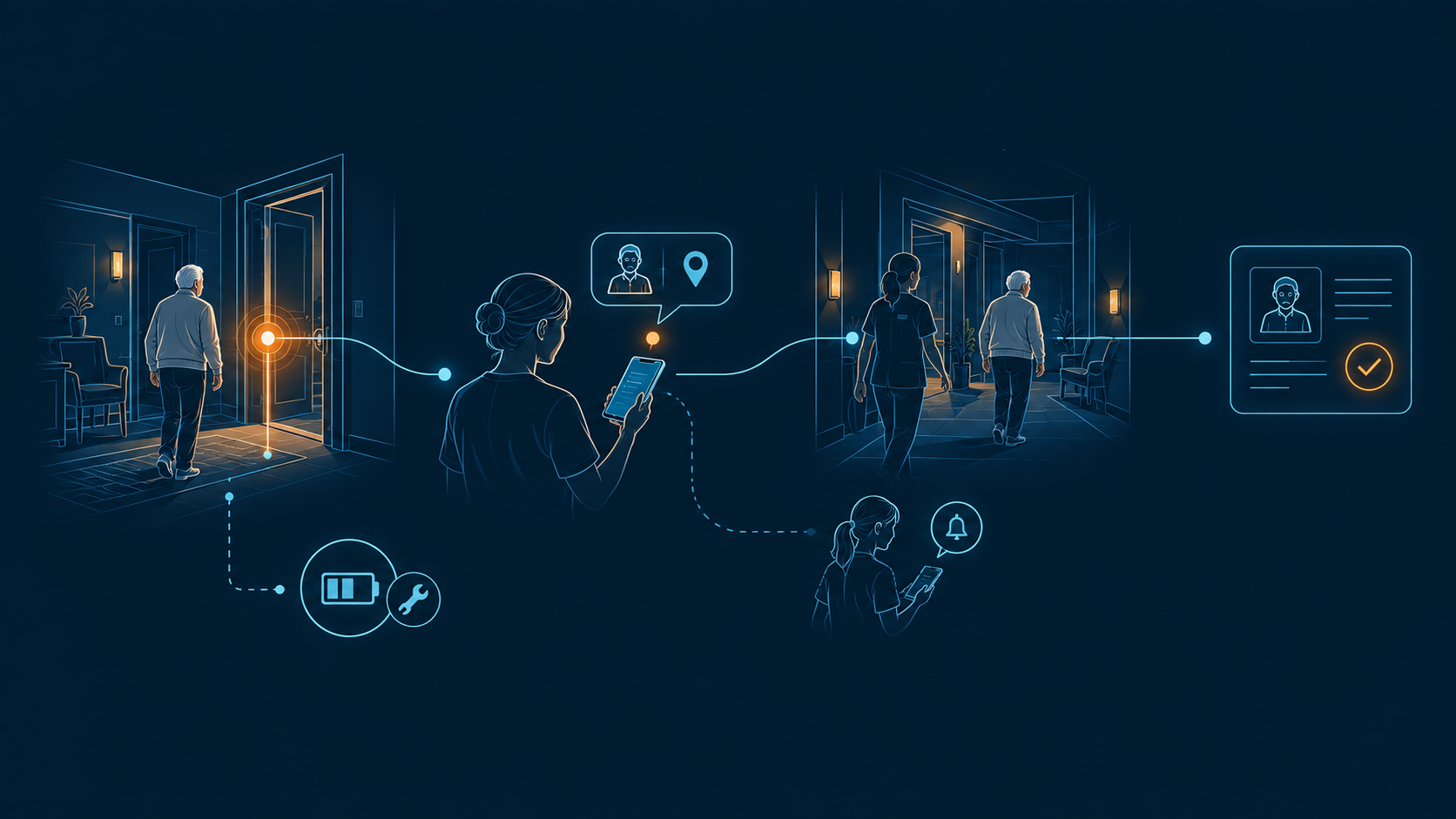
Ask to see the notification on the device your caregivers will carry. Check whether it names the resident, identifies the monitored point and explains what happened. If a location is displayed, staff should understand how recently it was updated.
Review what happens after the first notification. Who receives it? How does someone accept responsibility? What happens if that person does not acknowledge it? Agree how urgent resident events will be distinguished from equipment messages such as low battery.
Review routine passages as well as urgent events. Staff, visitors and residents may use the same entrance. Ask how the system handles an accompanied resident and a door held open for a delivery. Any changes to alert rules should have an owner, a reason and a record. Review unwanted alerts with the care team so adjustments preserve the events they need to receive.
Equipment checks and backup procedures
Ask the supplier to explain which functions depend on power, the internet, building Wi-Fi or another network. Separate detection at a door from delivery to a staff phone: a fault may affect them differently. Agree how staff learn about a failure and what procedure they follow while service is restored.
Include everyday device checks in the handover. Name who reviews low-battery or missing-device messages and who arranges replacements. A support contract should explain how an urgent fault is reported, who owns the response and when on-site assistance is available.
Connections to your existing systems
List the nurse call system, door controls and staff devices already in use, including model and software version where available. Ask the supplier to confirm compatibility in writing and explain what information passes between systems.
A connection might forward an alert without sharing acknowledgement or response records. Make those details part of the demonstration. LeadingAge’s safety technology selection guide also identifies compatibility as a condition for connecting wander management readers to nurse call.
If the proposal includes door locks or elevator controls, involve the qualified installer and your facilities lead. Have them explain the proposed operation, emergency behavior and the approvals needed for your building.
Records staff can understand
Open a completed test event and review what was recorded: detection, notification, acknowledgement and closure. Ask whether attendance is recorded separately and how it is verified. Accepting an alert on a phone is not evidence that a caregiver reached the resident.
Also ask who can view location information, how access is managed, how long records are retained and what can be exported. Your team should be able to explain the monitoring to residents and families in ordinary language.
Include staff accounts in that review. Confirm how access is granted to a new employee and removed when someone leaves. If you operate several communities, decide who needs visibility across sites and who should see only their own building. Ask what happens to your records if you change suppliers.
Use the same demonstration for every supplier
Arrange controlled tests with the supplier, care lead and facilities team. Use a test device and an agreed procedure. Record the result of each test, including anything that requires extra hardware or configuration.
Repeat the important tests on site before accepting the installation. A demonstration in a supplier’s office cannot establish coverage in your stairwells or across your grounds.
Plan installation and the first weeks of use
Ask for an installation plan that explains the work in occupied areas, any service interruption and how existing protection will be maintained during the change. Assign a contact from facilities and another from the care team so equipment decisions and working routines are reviewed together.
Train the people who will use the system across shifts. They should practice accepting an alert, handing responsibility to a colleague and dealing with a device fault. Include those steps in training for future employees and temporary staff.
After installation, review a small set of events with the supplier and staff. Check whether notifications reached the intended people, whether locations were useful and whether records reflect what happened. Record unresolved issues and agree who will fix them before extending the setup to another area or community.
Compare the full cost and support plan
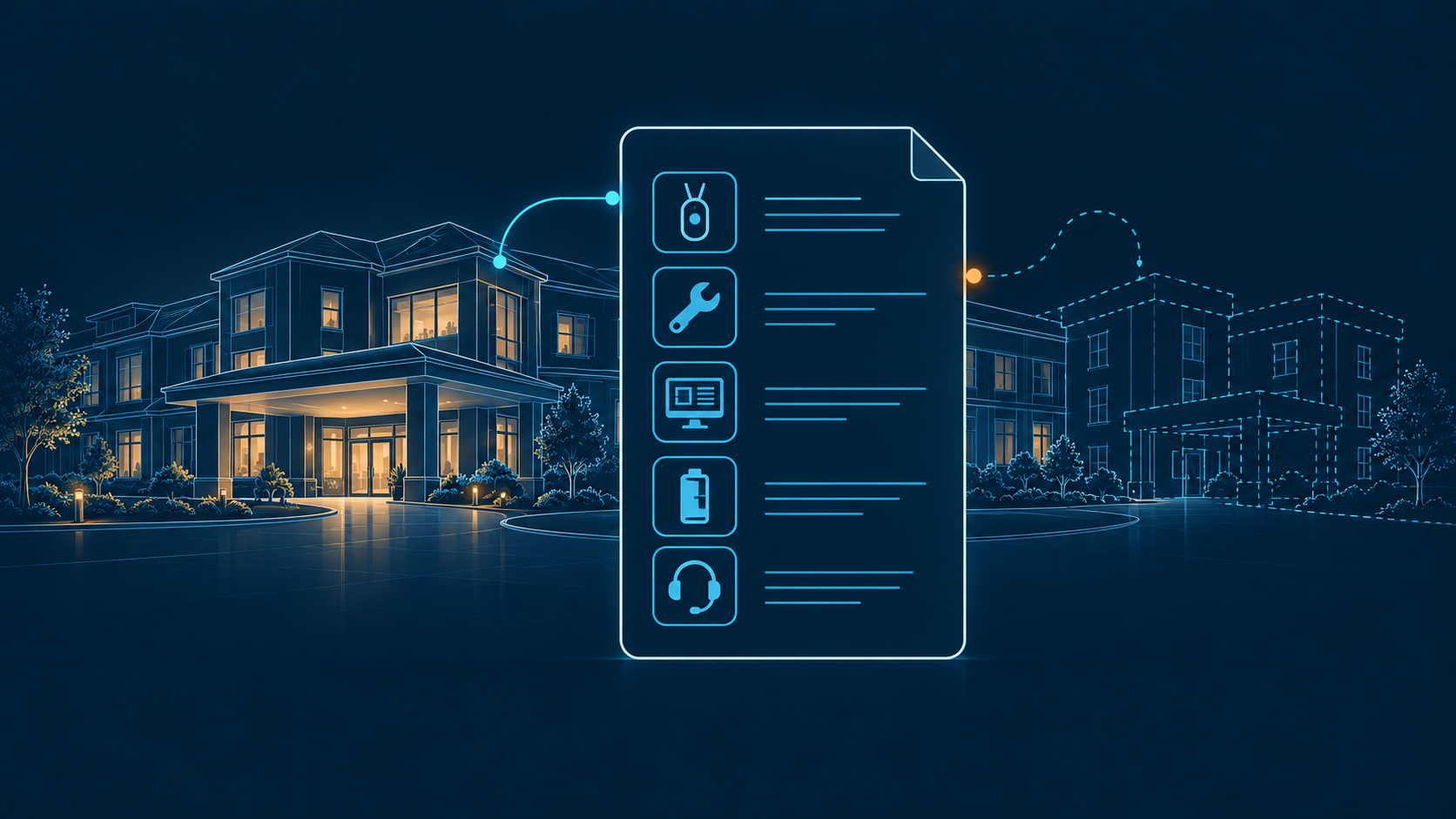
Ask every supplier to quote against the same number of residents, monitored exits and coverage areas. Request separate prices for installation and ongoing use so you can compare proposals on the same basis.
Include:
- Wearables, door equipment and location infrastructure.
- Installation, configuration, testing and staff training.
- Software subscriptions and integration charges.
- Replacement devices, batteries and consumables.
- Support, site visits and future expansion.
For each recurring charge, ask what it is based on: resident devices, monitored doors, users, buildings or a software tier.
Confirm what happens to the price when you add another wing. Request a comparison over the same ownership period, with contract renewal terms and any charges for moving or ending the service included.
Find out who responds when something stops working and what the support agreement covers. Confirm how new staff will be trained and who will manage device assignments and system changes after installation.
Before signing, put the acceptance requirements in writing: the areas that must be covered, the notification process, the event records and the tests the installation must pass. Include care staff in that review so the purchase reflects how the community will use it.
Why Rythmos fits
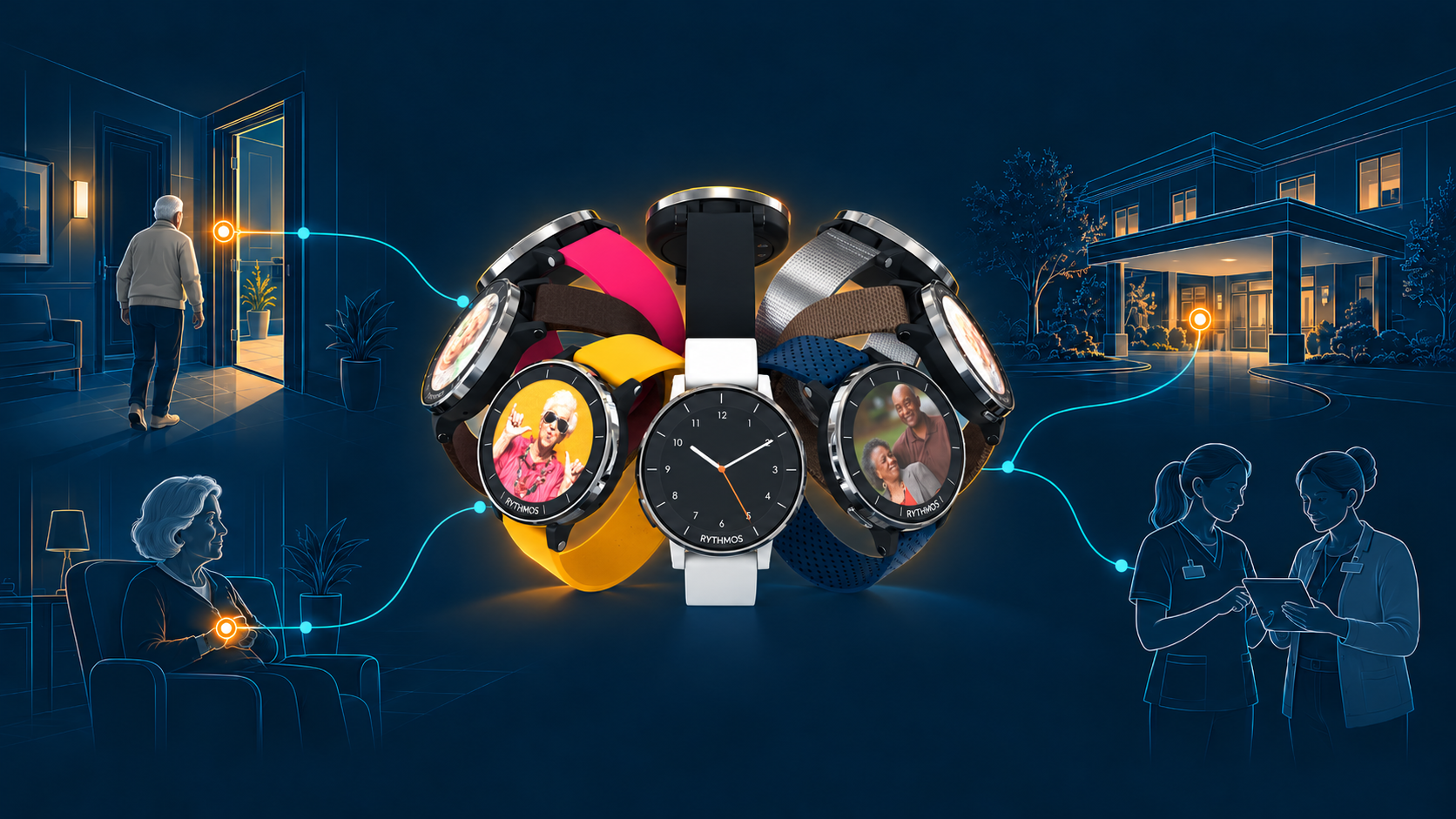
Rythmos is worth considering when your community needs individual exit rules, resident location and staff response in one system. Our wander management approach connects those functions around the resident, with protection configured for the person and the exit.
Protection matched to the resident and exit
Wander settings can be activated for individual residents as their needs change. Depending on the installation, Rythmos can identify a protected resident approaching an exit, flag loitering or a propped door, and apply access rules through compatible door hardware. Authorized residents and staff can retain normal access.
Camera-free protection is available. Selected exits can add compatible cameras for visual identity confirmation, with configuration guided by community policy, consent and privacy requirements.
Location inside and beyond the community
Kallos, the Rythmos wearable, supports indoor location through the community infrastructure and GPS/LTE positioning beyond it. Two-way voice also lets the care team communicate with the resident through the device.
For a community evaluating outdoor wander protection, this brings location and communication into the same wearable. Confirm the proposed indoor coverage, outdoor connectivity and available functions for your site during the walkthrough.
One response process for the care team
Rythmos brings wander events into the same care team software used for other safety alerts. Staff receive resident and location information alongside the event and its response status. Assignment, acknowledgement and escalation help the team see who is handling it.
Its unified response workflow also records event handling and resolution. Managers can review the response timeline without having to reconstruct it from separate alert systems.
Attention to changes before an exit event
Wander AI is designed to flag changes from an individual’s usual movement, including unusual nighttime activity and repeated exit approaches. These patterns can prompt staff attention before a door event occurs. They are signals for review, not a diagnosis or a guarantee of predicting an elopement.
Bring your floor plan and current equipment list to a walkthrough. Ask the team to demonstrate the resident settings, door response, location coverage and staff notifications proposed for your community.
FAQ
Do all wander management systems show a resident’s live location?
No. Some identify activity at a monitored exit, while others provide location across installed coverage. Ask whether the screen shows a door, a zone, a room or a last-known position, and how often that information updates.
Can we keep our existing nurse call system?
That depends on the equipment and the proposed connection. Give the supplier the exact model and version. Confirm what is supported, what extra components are needed and which company will support the connection.
Does every resident need a wearable?
Wearable-based functions require a compatible device to be worn and working. Other sensors may add information about movement in a room or at a door, but may not identify the individual. Ask what remains available when a wearable is off the resident.
How much does a wander management system cost?
Get a quote for your site. The number of residents, monitored exits, coverage requirements and existing equipment affect the scope. Compare installation, ongoing software, replacements and support together rather than comparing the wearable price alone.
Will the system work without building Wi-Fi?
That depends on its design. Ask separately about resident detection, location updates, staff notifications and access to records. A system may use one connection for detection and another for sending information to staff. Have the supplier demonstrate the relevant fault conditions.
How does Rythmos support wander management?
Rythmos connects resident location, exit events and staff notifications in one system. Care teams can review the resident and location involved, acknowledge an event and follow a defined response process. The setup is planned around your residents, monitored exits and required coverage.
Can Rythmos use different exit rules for different residents?
Yes. Rythmos supports protection configured for the individual resident and the exit. Settings can be updated as care needs change. During the walkthrough, review how the proposed setup handles independent movement, accompanied trips and staff access at each monitored exit.
Can Rythmos help locate a resident outside the building?
Yes, with a compatible Kallos device and the required service and coverage. Kallos uses the Rythmos network for indoor location and GPS/LTE for outdoor location, with two-way voice communication. Ask the team to confirm the areas covered, connectivity requirements and how staff see location updates for your site.